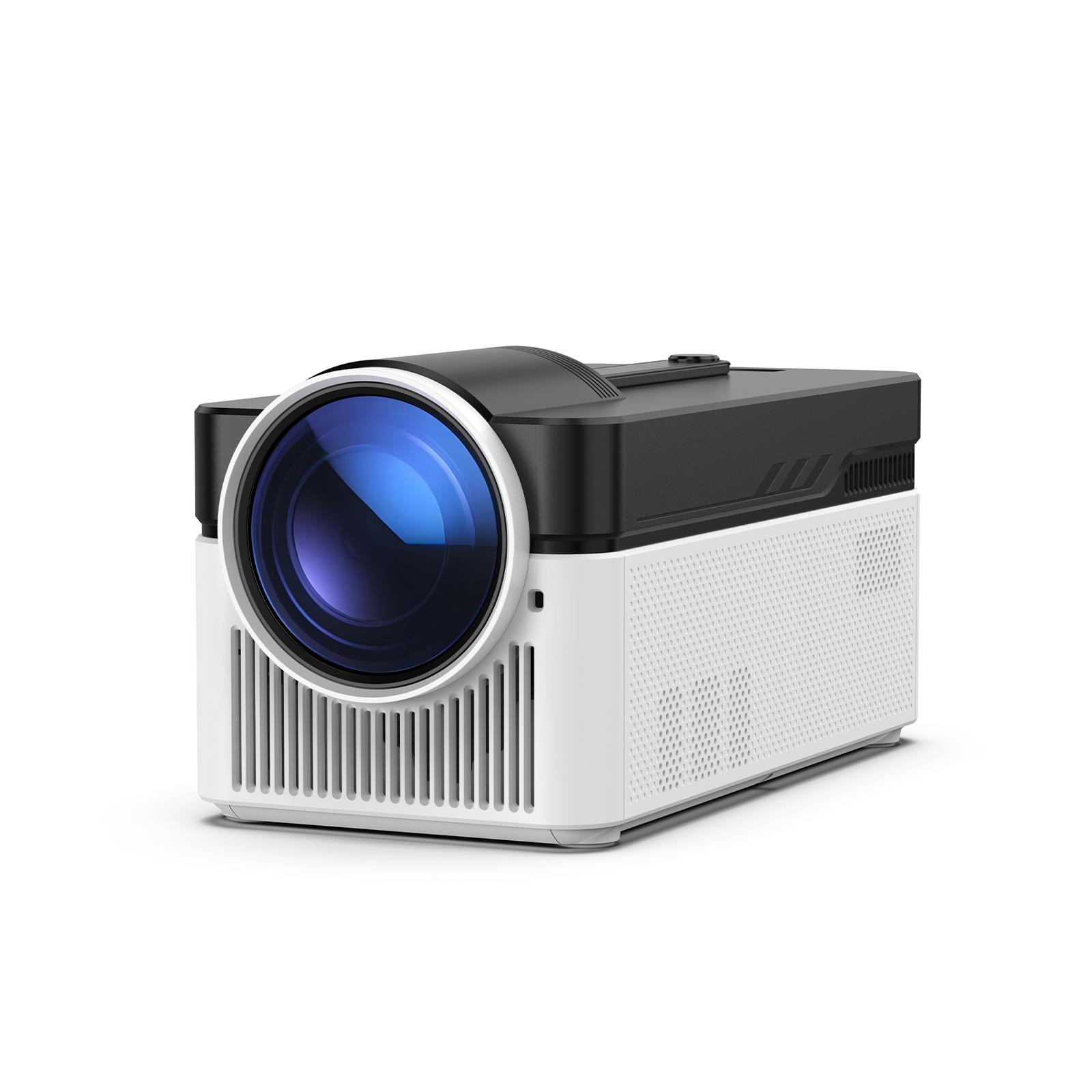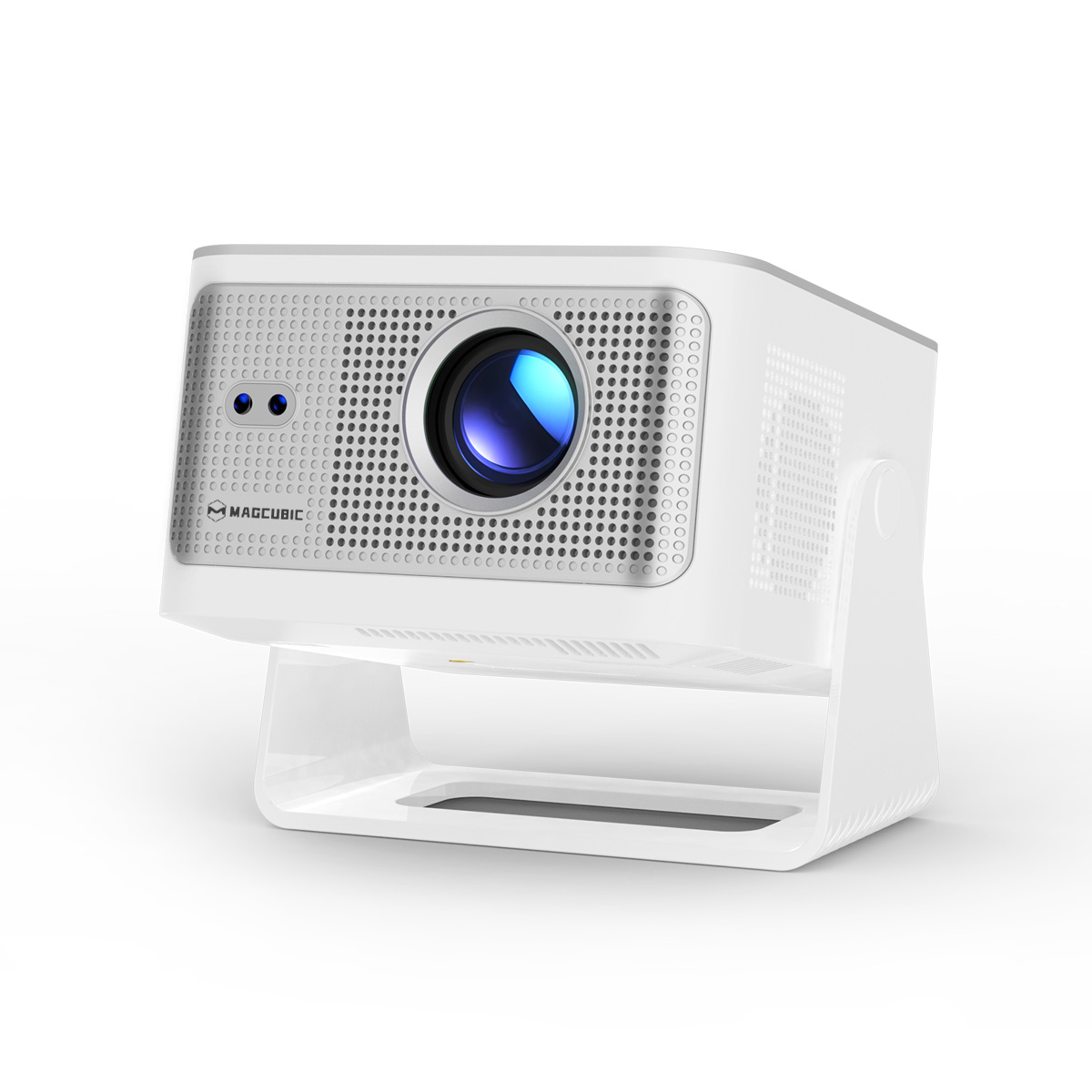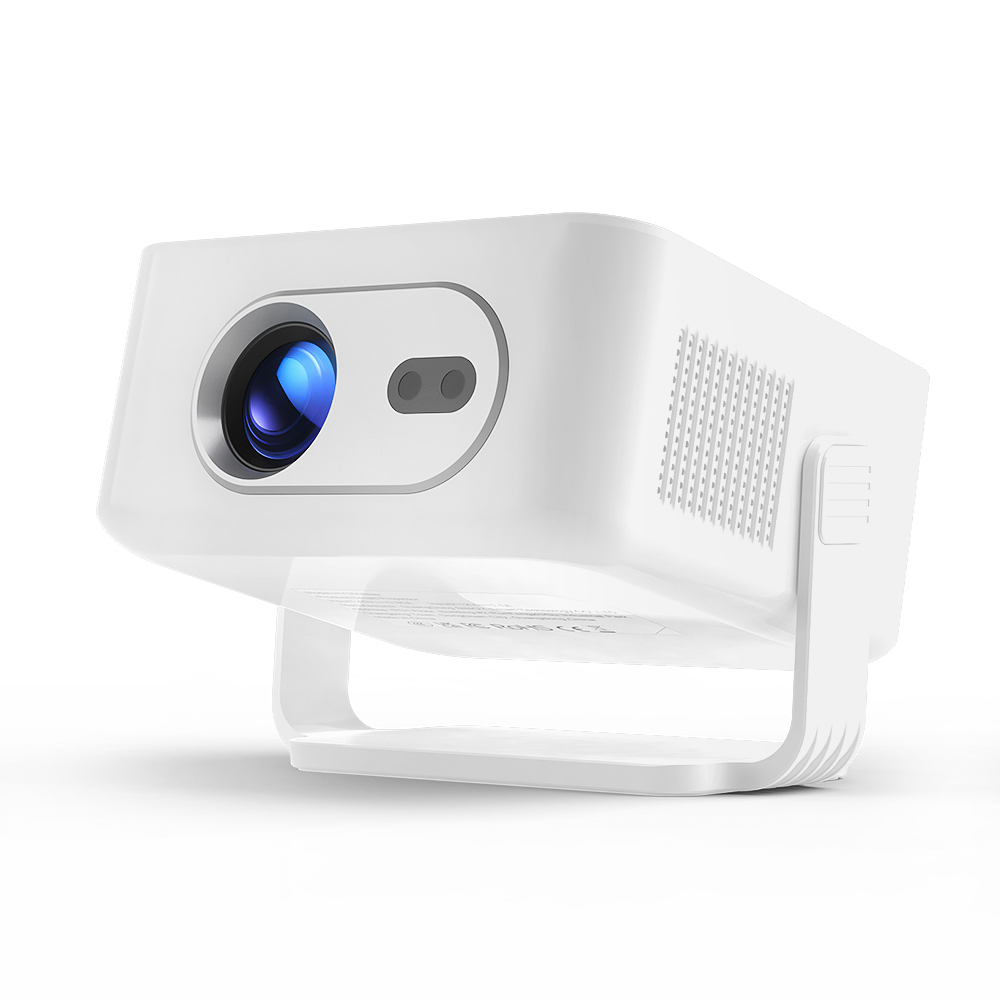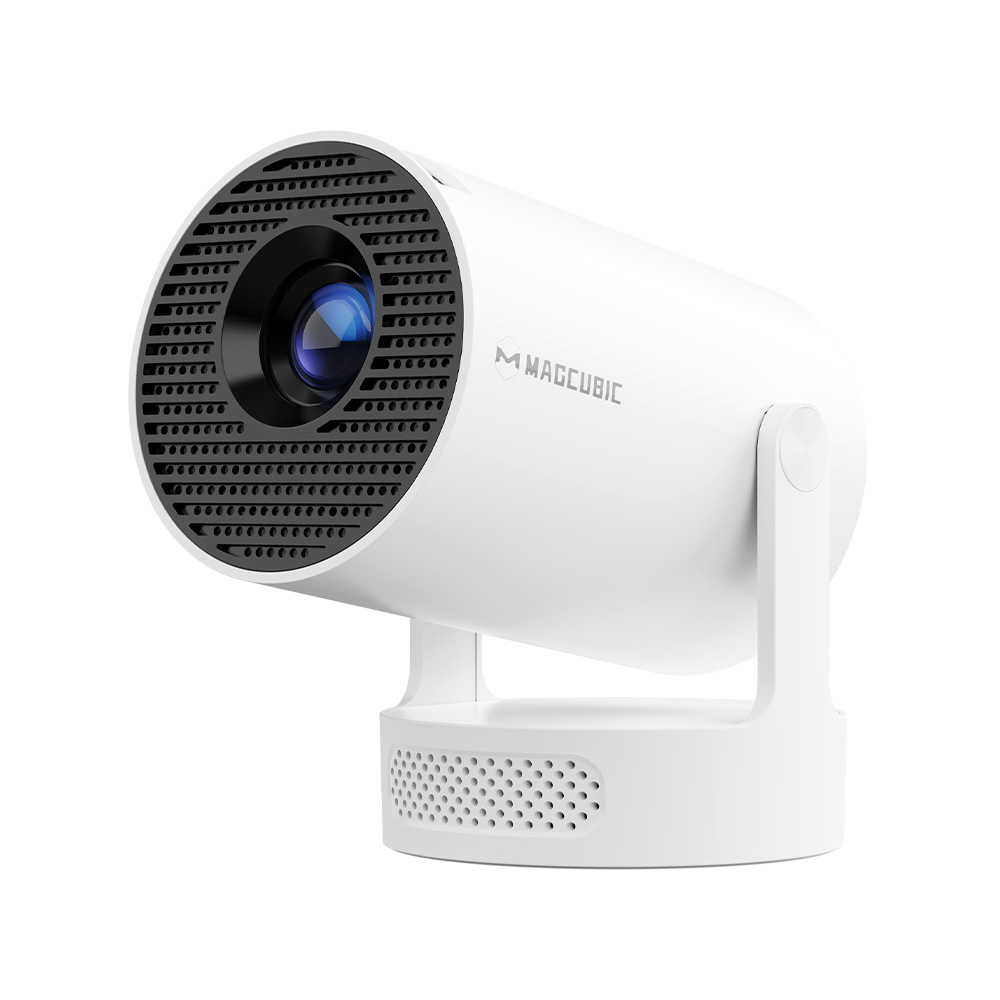
When purchasing a projector, "120 inches" is a frequently mentioned specification. With the growing demand for home theaters and large-screen entertainment, a 120-inch projection has become a popular choice for many families looking to build an immersive viewing experience. This guide provides a detailed breakdown of the actual dimensions of a 120-inch screen, suitable room sizes, optimal viewing distances, and how to select the right projector to maximize this massive screen format, helping you create a more comfortable and engaging home entertainment space.、
.png)
1. What Does "120 Inches" Mean?
Many first-time projector buyers misunderstand what "120 inches" actually represents. In the projection industry, the screen size in inches refers to the diagonal length of the screen, rather than its width. For example, a 120-inch projection screen measures approximately 120 inches from the top-left corner to the bottom-right corner.
Therefore:
- 120 inches is NOT the screen width.
- The actual width and height must be calculated based on the aspect ratio.
Currently, the most common aspect ratio for home theater projection is 16:9 widescreen, which is the standard format used by most movies, TV shows, and video games.
2. How Big is a 120-inch screen?
Dimensions for the 16:9 Aspect Ratio
For today's mainstream home theater systems, the actual dimensions of a 120-inch 16:9 screen are approximately as follows:
| Specification | Measurement |
|---|---|
| Diagonal | 120 inches (approx. 304.8 cm)[cite: 4] |
| Width | Approx. 104.7 inches (approx. 266 cm)[cite: 4] |
| Height | Approx. 58.7 inches (approx. 149 cm)[cite: 4] |
In other words, a 120-inch projection screen is nearly 2.7 meters wide and 1.5 meters high. Compared to standard television sets, a screen of this scale significantly enhances visual immersion.
Dimensions Across Different Aspect Ratios
Although 16:9 is the most popular aspect ratio for home entertainment, different display ratios alter the actual width and height of the 120-inch diagonal screen:
| Aspect Ratio | Actual Width | Actual Height | Common Use Cases | Key Characteristics |
|---|---|---|---|---|
| 16:9 | Approx. 266 cm | Approx. 149 cm | Home theater, movies, TV series, console gaming | The most popular choice; matches most modern content perfectly. |
| 16:10 | Approx. 258 cm | Approx. 161 cm | Business, office presentations, education | Taller than 16:9; displays more vertical content for documents. |
| 4:3 | Approx. 244 cm | Approx. 183 cm | Legacy television content, older projectors | More square-like and vertically tall; rarely used in modern home theaters. |
For home theater enthusiasts, the 16:9 aspect ratio is highly recommended. It not only aligns with modern video standards but also maximizes the usable display area of your projector, delivering a deeply immersive experience for movies, sports, and gaming.
3. 120-Inch Projector vs. Television: Where Lies the Advantage?
| Comparison Aspect | 120-Inch Projector | Television |
|---|---|---|
| Cost-per-Inch Value | Low cost per inch; offers a massive screen at a reasonable price point. | TVs over 100 inches are exceptionally expensive, often costing several times more. |
| Immersion | The wide display matches human horizontal vision, creating a wrapping, theater-like vibe. | Mainstream sizes (55–85 inches) provide limited overall immersion. |
| Eye Comfort | Reflected light imaging is softer on the eyes, reducing fatigue during long sessions. | Direct light emission can cause eye fatigue more easily over extended viewing. |
| Space Flexibility | The screen can be rolled up, keeping the wall clean when not in use.[cite: 4] | The fixed size permanently occupies a large portion of wall space. |
| Ambient Light Sensitivity | Requires some level of light control; image quality may degrade in bright daylight. | Unaffected by ambient light; delivers a clear image even in direct daylight. |
| Color & Contrast | Highly dependent on the light source and screen material, black levels are generally average. | OLED and Mini LED panels offer superior deep blacks and high peak brightness. |
| Installation | Requires planning for throw distance, keystone correction, and screen mounting | Plug-and-play simplicity with no complex calibration required. |
| Lifespan | The light source experiences a gradual brightness decay over its lifespan. | Overall stable and worry-free operational lifespan. |
Summary: If your priority is large-screen immersion, maximum cost-efficiency, and a true cinema atmosphere—especially if you have a dedicated media room—a 120-inch projector is an excellent choice. If you prioritize daytime viewing, consistent picture quality, and plug-and-play convenience, a traditional TV remains the more practical option.
.png)
4. What Room Size is Suitable for a 120-Inch Projection?
This is a major consideration for most buyers. To project a clear, sharp 120-inch image, your space must meet two key requirements: adequate wall width and sufficient throw distance.
1. Wall / Screen Width Requirement
- 16:9 Aspect Ratio: A minimum usable wall width of >= 2.8 meters is recommended (to accommodate the 2.66-meter screen while leaving a small margin on both sides).
- 4:3 Aspect Ratio: A minimum usable wall width of >= 2.6 meters is recommended.
2. Throw Distance Requirement (Projector to Screen)
The throw distance depends entirely on your projector's throw ratio, which varies significantly by model type:
| Projector Type | Common Throw Ratio Range | Required Distance for 120" Screen (16:9) |
|---|---|---|
| Long-Throw / Traditional | 1.5:1 ~ 2.0:1 | Approx. 4.0 ~ 5.3 meters |
| Standard-Throw | 1.0:1 ~ 1.5:1 | Approx. 2.7 ~ 4.0 meters |
| Short-Throw | 0.4:1 ~ 0.6:1 | Approx. 1.1 ~ 1.6 meters |
| Ultra-Short-Throw (UST) | Below 0.25:1 | Approx. 0.3 ~ 0.6 meters (placed directly against the wall) |
Pro Tip: If your living room depth is less than 4 meters, consider a short-throw or ultra-short-throw projector. These can be placed directly on your TV console or close to the wall to easily project a massive 120-inch image without extensive adjustments.
Magcubic projectors offer two throw ratio options to flexibly accommodate various living room depths:
| Magcubic Model Throw Ratio | Required Distance for 120" Screen (16:9) | Ideal Scenario |
|---|---|---|
| 0.6:1 (Short-Throw) | Approx. 1.6 meters | Compact rooms with limited depth are placed close to the TV cabinet. |
| 0.8 ~ 1.2:1 (Standard-Throw) | Approx. 2.1 ~ 3.2 meters | Standard living rooms or bedrooms; offers highly flexible placement options. |
Whether you have a compact layout or a standard living room, Magcubic projectors can effortlessly deliver a 120-inch screen from a distance of 1.6 to 3.2 meters, keeping installation simple without requiring you to rearrange your furniture.
5. What is the Optimal Viewing Distance for a 120-Inch Screen?
Selecting the right screen size is only the first step. Finding the correct viewing distance is equally critical: sitting too close can make pixels visible and cause eye strain, while sitting too far diminishes the immersive cinematic feel.
Common Industry Benchmarks
Standard guidelines from industry authorities (such as THX and SMPTE) suggest the following formulas:
- Comfortable Viewing Distance: D ≈ H × (1.5 ~ 2.0) (where H is screen height)
- Immersive Viewing Distance (Recommended): D ≈ H × (1.0 ~ 1.5)
For a 120-inch 16:9 screen, this translates to:
| Viewing Experience | Recommended Distance |
|---|---|
| Maximum Immersion (Theater Experience) | Approx. 1.5 ~ 2.2 meters |
| Comfortable Viewing (Recommended for most homes) | Approx. 2.2 ~ 3.0 meters |
| Casual / Relaxed Viewing | Approx. 3.0 ~ 4.5 meters |
The Impact of Resolution on Viewing Distance
- For 1080p Content: It is best to maintain a distance of at least 2.5 meters to prevent noticing individual pixels.
- For 4K Content: Thanks to the higher pixel density, you can comfortably sit closer (1.8 to 2.5 meters) while enjoying crisp, pristine details.
If your living room depth falls between 3.5 and 5 meters, a 120-inch screen represents the sweet spot between value and performance, which is why it remains one of the most popular choices for home setups.
6. How to Select a 120-Inch Projector
Once you have finalized your screen size and physical layout, look for these five critical specifications when choosing your projector:
- 1. Brightness (Lumens):
- Dedicated dark rooms: 300 to 800 ANSI lumens are sufficient for a clear image and offer excellent cost-efficiency.
- Living rooms with ambient light (e.g., lights on or daytime light): A brightness level of 3,000 ANSI lumens or higher is recommended. Insufficient brightness will make a 120-inch image look dull and washed out.
- 2. Resolution:
- Entry-level / Budget: 1080p Full HD is a solid starting point.
- Mainstream Recommendation: 4K UHD (3840 × 2160). For a large 120-inch canvas, a higher resolution ensures pixel-free clarity and a much more detailed image.
- 3. Throw Ratio and Installation Depth:
- Depth < 1.5 meters → Ultra-Short-Throw (UST)
- Depth between 1.5 and 4 meters → Short-Throw
- Depth > 4 meters → Standard or Long-Throw
- 4. Contrast Ratio and Color Performance:
- Look for a contrast ratio of >= 3,000:1 and a color gamut close to or matching the DCI-P3 standard. This prevents dark movie scenes from turning into a muddy, washed-out grey.
- 5. Selecting the Right Screen (ALR vs. Standard):
- Ambient Light Rejecting (ALR) Screen: Ideal for living rooms with overhead light, as it greatly improves contrast and brightness.
- Matte White / Grey Screen: Perfect for dark, dedicated media rooms to achieve accurate color reproduction.
- Ensure you buy a screen that matches the 120-inch 16:9 format to avoid awkward black borders or image cropping.
7. 100-Inch vs. 120-Inch vs. 150-Inch: How to Choose?
These three sizes are the most popular options for home projection. The core differences lie in the physical size, room requirements, and viewing distances (all measurements below are for the 16:9 aspect ratio):
| Screen Size | Width x Height | Diagonal | Recommended Wall Width | Optimal Viewing Distance |
|---|---|---|---|---|
| 100 inches | 221.4 x 124.5 cm | 254 cm | >= 2.4 meters | Approx. 1.9 ~ 2.5 meters |
| 120 inches | 265.7 x 149.4 cm | 304.8 cm | >= 2.8 meters | Approx. 2.2 ~ 3.0 meters |
| 150 inches | 332.1 x 186.8 cm | 381 cm | >= 3.5 meters | Approx. 2.8 ~ 3.7 meters |
Decision Criteria
1. Room Dimensions
- Living room/bedroom depth of 3-4m, width < 2.8m: Choose 100 inches. It fits easily and ensures the image isn't overwhelmingly close to your face.
- Living room depth of 3.5-5m (most common layout): Choose 120 inches. This size offers the perfect balance of cinematic immersion and physical practicality.
- Living room depth of 5m+ or a dedicated media room: Choose 150 inches if you want that genuine "private cinema" effect.
2. Allow for Seating Distance
If your sofa has a fixed position, measure the distance from the sofa to the wall. Use the optimal viewing distances above to guide your choice. Trying to force a 150-inch screen into a short room will cause eye strain and require you to turn your head constantly.
3. Align Projector Brightness with Screen Size
For budget or portable projectors in the 200 to 800 ANSI lumen range, here is the recommended application scope:
| Environment / Light Conditions | Recommended Screen Size |
|---|---|
| Completely Dark Room (Lights off, blackout curtains) | 60 to 100 inches |
| Dim Light (Night light or subtle ambient glow) | 60 to 80 inches |
| Daylight or Fully Lit Environments | Not recommended above 60 inches |
Note: Projectors in this lower brightness range are ideal for bedrooms, kids' rooms, or bedside late-night casual viewings on smaller screens. Trying to project onto a 100"+ screen with low lumens will result in a dim, washed-out, and lifeless image. For a vibrant and crisp 120-inch or 150-inch display, a projector with 2,000 to 3,000 ANSI lumens or higher is highly recommended.
8. Frequently Asked Questions (FAQ)
Is a 120-inch screen suitable for a small living room?
If your viewing distance is less than 3 meters, a 100-inch screen is generally more comfortable. If your space allows for a viewing distance of around 3 meters, a 120-inch screen is highly recommended and offers excellent immersion.
Can any standard projector throw a 120-inch image?
You must check three key parameters on your projector's specification sheet: the maximum supported screen size, the throw distance, and the throw ratio. Magcubic offers highly cost-effective projectors designed to support crisp, large-scale 120-inch displays.
Is a 120-inch projection good for gaming?
Yes, gaming on a 120-inch screen is incredibly immersive. However, for a smooth and responsive gaming experience, ensure your projector supports a low-latency game mode, a high refresh rate, and sharp native resolution.
Conclusion
When planning a 120-inch home entertainment setup, screen size is just one piece of the puzzle. Factors like room dimensions, viewing distance, projector brightness, resolution, and mounting options all directly influence your final visual experience. Only when your hardware matches your environment will the 120-inch screen truly shine. If you are designing your dream home theater, choosing a high-brightness, high-resolution projector with smart installation features is key. Hanying, a professional projector manufacturer, is dedicated to helping you easily build your ideal large-screen home entertainment space.