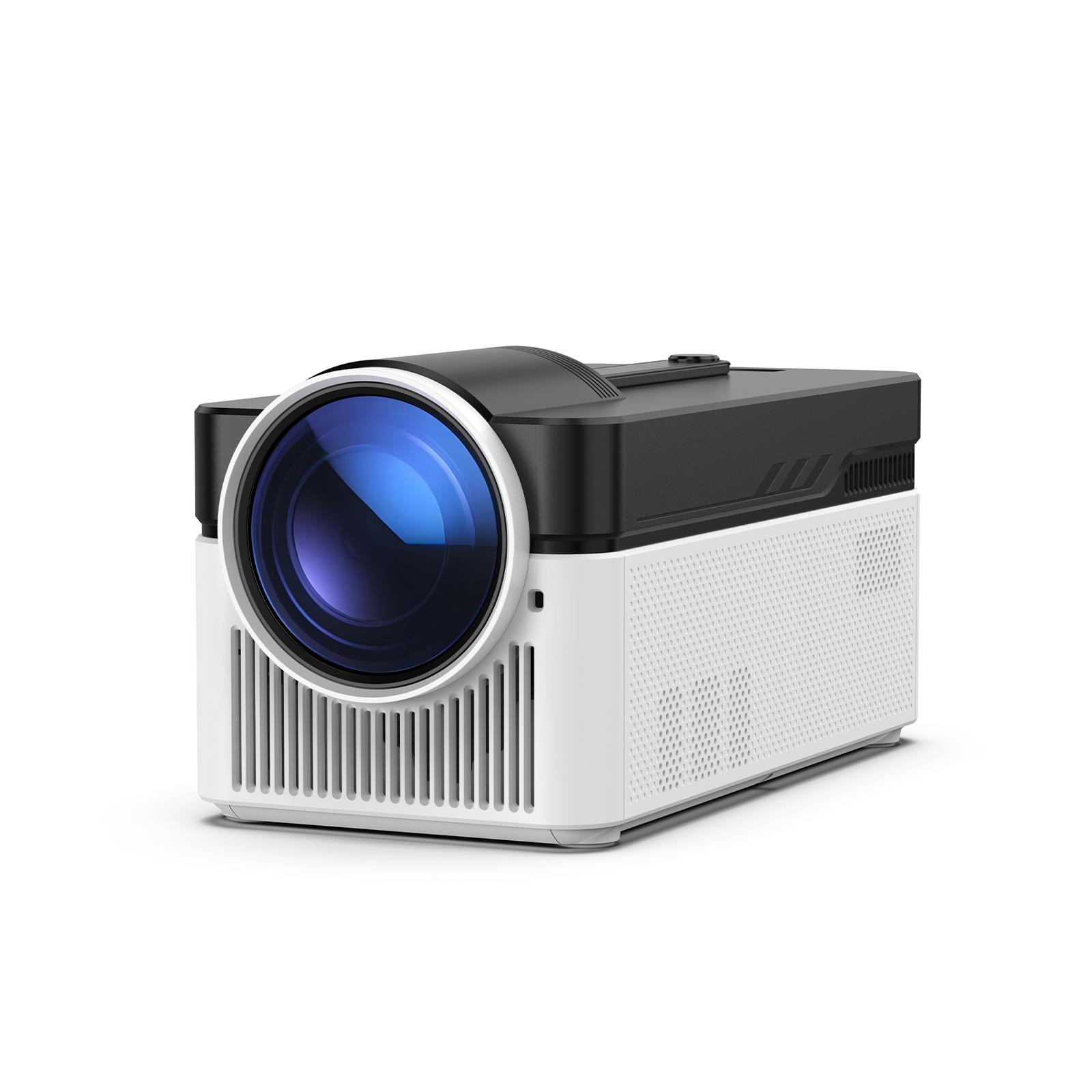
As next-generation consoles like the PS5, Xbox Series X, and Nintendo Switch continue to evolve, more players are upgrading their home entertainment spaces to create dedicated gaming rooms. One of the biggest trends in 2026 is replacing traditional TVs with large-screen projectors.
However, choosing a projector for gaming is very different from selecting a projector for movies. While home theater users often prioritize color accuracy and contrast, gamers need to focus on input lag, refresh rate, resolution, and connectivity.
If you're looking for the best projector for PS5, Xbox Series X, or Nintendo Switch, this guide will help you find the right solution for your gaming room.
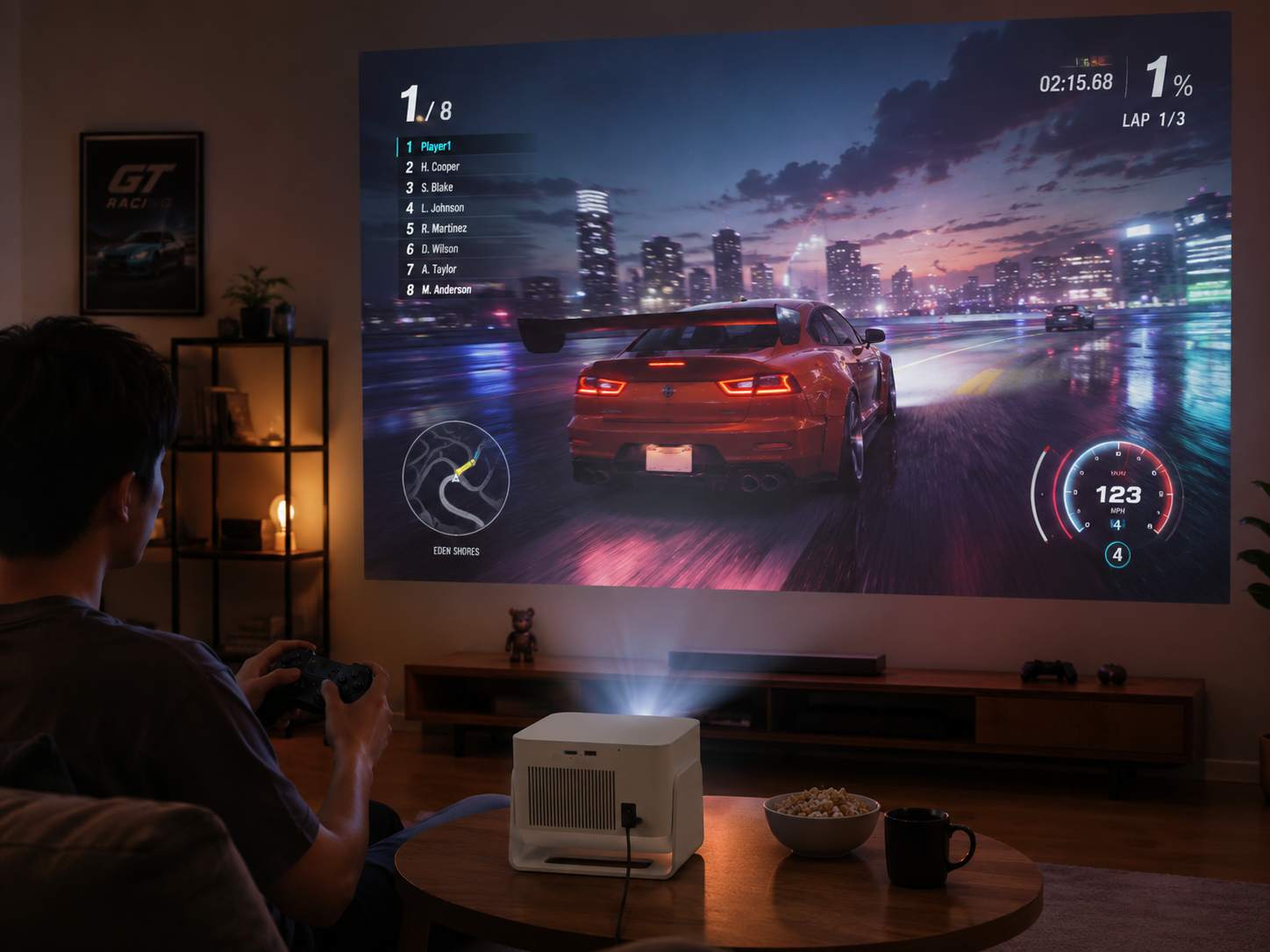
Define Your Gaming Room Setup Before Buying
Before comparing models, consider your specific gaming environment.
Ask yourself these questions:
- How large is your gaming room?
- What screen size do you want?
- Can you control ambient light?
- Which games do you play most often?
- Which console do you use?
- What is your budget?
Different gaming scenarios require different projector features.
| Gaming Scenario | Recommended Solution |
|---|---|
| Small gaming room | Short-throw projector |
| Living room entertainment space | High-brightness 4K gaming projector |
| Competitive gaming setup | Low input lag projector with high refresh rates |
| Multiplayer gaming sessions | 120-inch or larger display setup |
The 5 Most Important Features to Consider
1. Input Lag: The Key to Responsive Gameplay
Input lag measures the delay between pressing a button and seeing the action on screen.
Here are some general guidelines:
- Under 10ms: Esports-level performance
- 10–20ms: Excellent
- 20–40ms: Suitable for most gamers
- Over 40ms: May affect competitive gameplay
If you regularly play Call of Duty, EA Sports FC, Fortnite, or Apex Legends, prioritize a low input lag projector with response times below 20ms.
2. Refresh Rate: Essential for Smooth Motion
Modern consoles support higher frame rates than ever before.
Recommended refresh rates include:
- Nintendo Switch: 60Hz is sufficient
- PS5 and Xbox Series X: 120Hz support is recommended
- Enthusiast gamers: 1080p at 120Hz or 4K at 120Hz
A projector with 120Hz refresh rate improves motion clarity and reduces blur during fast-paced gameplay.
3. Resolution: Choose 4K for Large Screens
When gaming on a display larger than 100 inches, resolution becomes increasingly important.
Current options include:
- 1080p: Entry-level choice
- 4K enhancement: Strong value for money
- Native 4K: Best overall image quality
A game projector with native 4K resolution provides sharper details, improved textures, and a more cinematic experience.
4. Brightness: Match Your Environment
Projector brightness should be selected according to your room conditions.
Recommended ANSI lumen levels include:
- Fully dark rooms: 1,500–2,500 ANSI lumens
- Moderate ambient light: 2,500–3,500 ANSI lumens
- Bright living rooms: More than 3,500 ANSI lumens
Always compare ANSI lumen ratings instead of proprietary brightness measurements.
5. HDMI 2.1: Future-Proof Your Gaming Setup
An HDMI 2.1 projector supports advanced gaming features, including:
- 4K at 120Hz output
- Variable Refresh Rate (VRR)
- Auto Low Latency Mode (ALLM)
If you're shopping for a projector for PS5 or an Xbox Series X projector, HDMI 2.1 compatibility is highly recommended.
Four Hidden Features That Can Improve Your Gaming Experience
Throw Ratio
Throw ratio determines how far the projector must be placed from the screen.
- Short throw: Ideal for compact rooms
- Ultra-short throw: Perfect for wall-mounted installations
- Long throw: Suitable for dedicated gaming rooms
HDR Support
HDR10 and HDR10+ enhance contrast, improve highlight details, and create more realistic visuals.
Cooling Performance and Fan Noise
Excessive fan noise can reduce immersion during gameplay. Look for models with operating noise levels below 30dB.
Smart Setup Features
Useful features include:
- Auto focus
- Automatic keystone correction
- Obstacle avoidance
- Auto screen alignment
These capabilities make installation faster and more convenient.
Projector vs. TV: Which Is Better for Gaming?
| Comparison Factor | Projector | TV |
|---|---|---|
| Screen Size | 100 inches or larger | Typically 55–85 inches |
| Immersion | Exceptional cinematic experience | Strong, but less immersive |
| Input Lag | Varies by model; gaming projectors can offer low latency | Generally lower and more consistent |
| Refresh Rate | Up to 120Hz on select models | Widely available with 120Hz support |
| Image Quality | Excellent on large screens; affected by ambient light | Consistently bright with high contrast |
| Installation | Requires planning and setup | Simple plug-and-play installation |
| Ambient Light Performance | Best in dark or controlled-light environments | Performs well in most lighting conditions |
| Cost Efficiency | More affordable for 100-inch-plus displays | Better value for smaller screen sizes |
If your priority is creating an immersive gaming experience with a massive display, a game projector offers a clear advantage. However, players who focus primarily on competitive gaming may still prefer a TV for its lower latency.
Budget-Friendly Recommendation: Magcubic
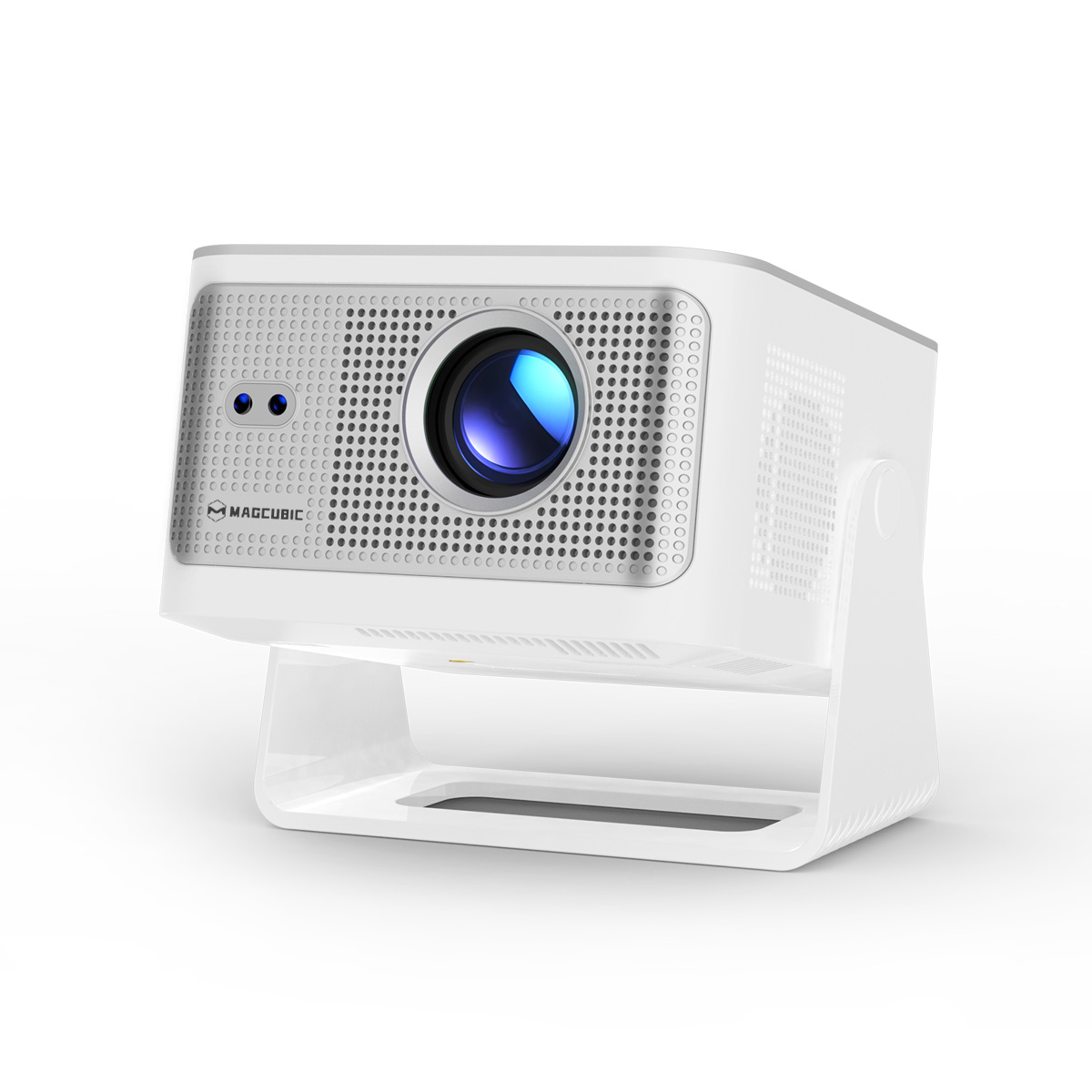
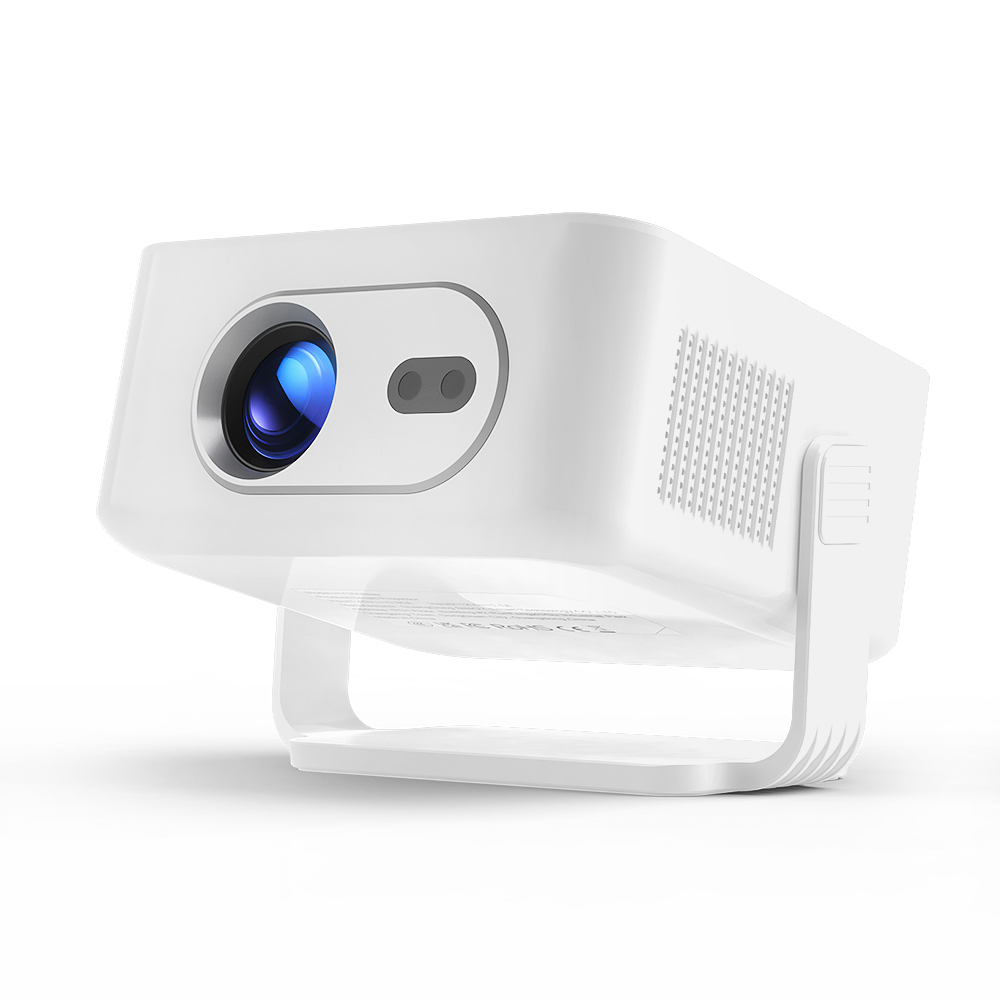
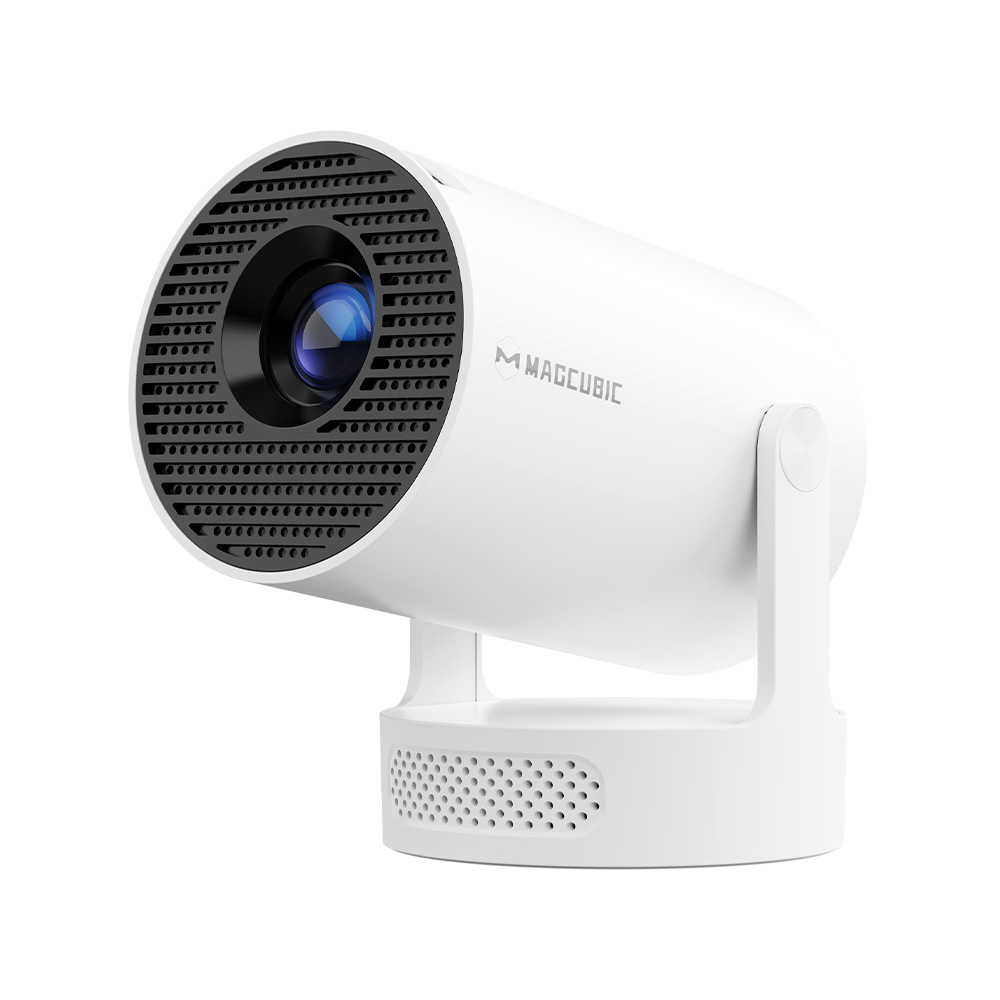
For gamers seeking an affordable big-screen experience, Magcubic is a standout choice that delivers exceptional value for money.
When connected via HDMI to a PS5, Xbox Series X, Nintendo Switch, or PC, Magcubic projectors are optimized for casual gaming and home entertainment. Standard models typically offer HDMI latency between 150ms and 200ms, while the latest firmware updates and Pro versions can reduce latency to approximately 50ms to 100ms in dedicated gaming modes.
For cloud gaming platforms and Moonlight streaming, decoding latency generally ranges from 30ms to 50ms, delivering a smoother experience for casual gameplay. With 60Hz display panels, Magcubic projectors are well-suited for racing games, co-op adventures, party games, and turn-based RPGs.
While they are not designed for professional esports players who require ultra-low latency, Magcubic projectors excel as a cost-effective solution for families, couples, and friends looking to enjoy immersive gaming on a massive screen.
Installation Tips for the Ultimate Gaming Room
To maximize your viewing experience, follow these recommendations:
- Choose a screen size between 100 and 120 inches
- Maintain a viewing distance of 2.5 to 4 meters
- Pair your projector with an ambient light-rejecting screen
- Plan power outlets and HDMI cable routing in advance
- Consider ceiling or wall mounting for a cleaner setup
Always calculate the required throw distance before installation to avoid positioning issues later.
Frequently Asked Questions
Do I need a 4K projector for PS5?
If your budget allows, a 4K gaming projector with 120Hz support is the best way to maximize the PS5's capabilities.
Can the Xbox Series X run at 120Hz on a projector?
Yes. However, you need an Xbox Series X projector that supports HDMI 2.1 and 120Hz refresh rates.
Do I need a projection screen for gaming?
Yes. An ambient light-rejecting screen can significantly improve brightness, contrast, and overall image quality.
Can a projector replace a TV for gaming?
For gamers seeking a cinematic setup and a larger display, a projector can be an excellent alternative to a TV. However, TVs remain a better option for bright environments and highly competitive gameplay.
Final Thoughts
When choosing a projector for your gaming room, don't focus solely on resolution and brightness. Input lag, refresh rate, HDMI connectivity, and throw ratio have a greater impact on your overall gaming experience.
Hanying is a global professional projector manufacturer. As Magcubic continues to gain popularity around the world, Hanying provides comprehensive business solutions, including projector wholesale distribution, OEM services, ODM customization, and technology partnerships.
Whether you are a dealer, retailer, e-commerce seller, or brand owner, Hanying helps partners expand their business with reliable manufacturing capabilities and flexible cooperation models.