1. Introduction
When setting up a home theater or business presentation, one of the most common issues users face is a distorted projection image. Instead of a clean rectangle, the screen often appears wider at the top or bottom. This problem is known as keystone distortion.
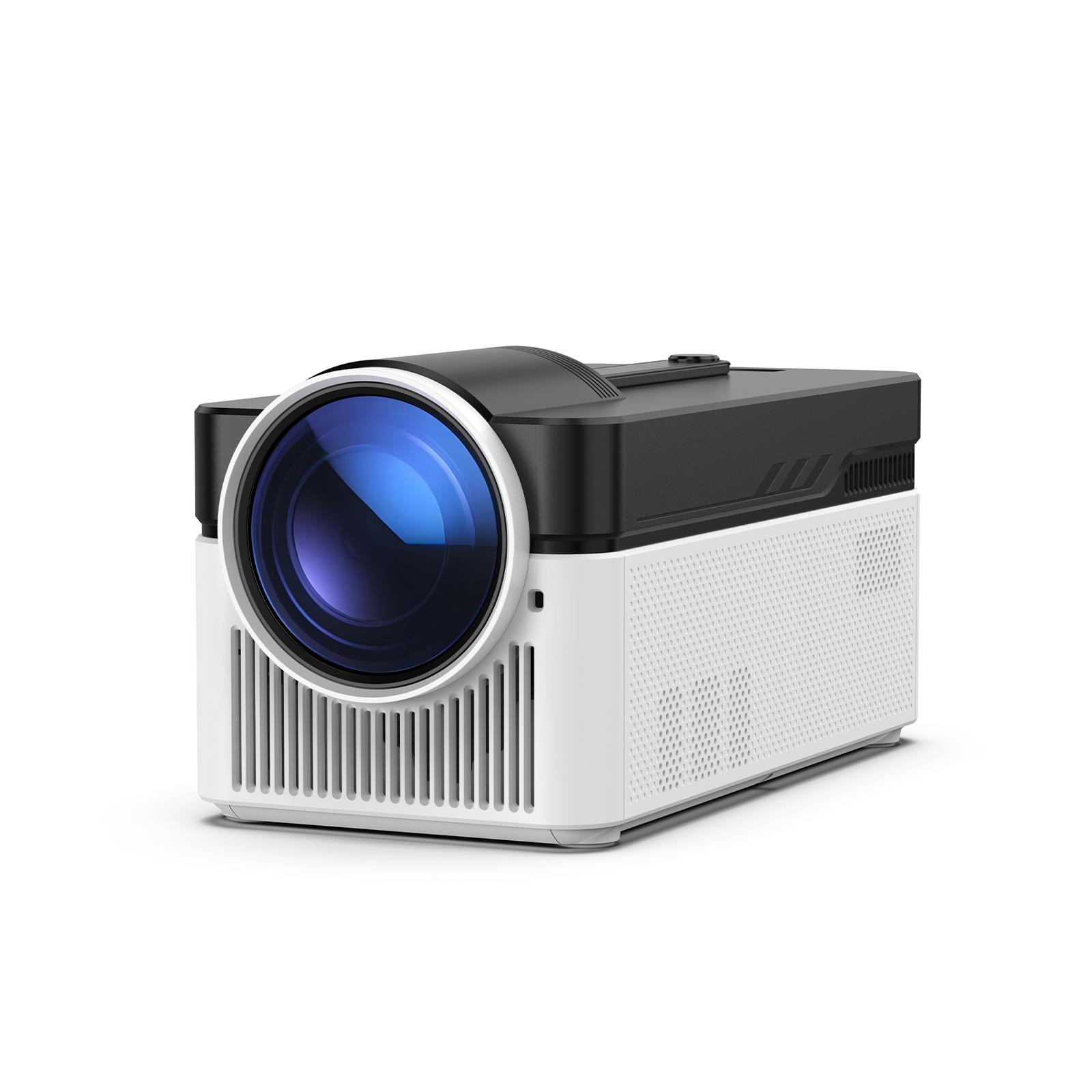
To solve this, most modern devices include a feature called keystone correction. A keystone projector uses this function to digitally or automatically adjust the image back into a perfect rectangular shape, even when the projector is not positioned directly in front of the screen.
Understanding how a keystone projector works can help you improve image quality and choose the right setup for your space.
2. What is Keystone on a Projector?
The term keystone refers to the trapezoid shape that appears when a projected image is not aligned perpendicularly to the screen. A keystone projector corrects this distortion by adjusting the image geometry.
This correction is necessary because projectors rely on straight light projection. When the angle changes, the image becomes wider on one side. Keystone correction digitally reshapes the pixels so the image appears properly aligned.
In simple terms, keystone correction ensures that a keystone projector can still produce a square image even in non-ideal placement conditions.
.png)
3. How Keystone Correction Works
There are two main methods used in modern projection systems:
- Digital Keystone Correction: The projector processes the image and stretches or compresses pixels to fix distortion.
- Optical Adjustment (Lens Shift): Instead of altering the image digitally, the lens is physically moved to align the projection.
A keystone projector typically uses digital correction because it is more affordable and easier to implement. However, excessive digital adjustment may slightly reduce image sharpness.
Advanced models of keystone projector devices combine both methods for better accuracy and image quality.
4. Types of Keystone Correction
Manual Keystone Correction
Manual adjustment allows users to fix image distortion by changing projector settings or physically repositioning the device. You may adjust vertical or horizontal values in the menu.
This method is common in entry-level models and basic home setups.
Auto Keystone Correction
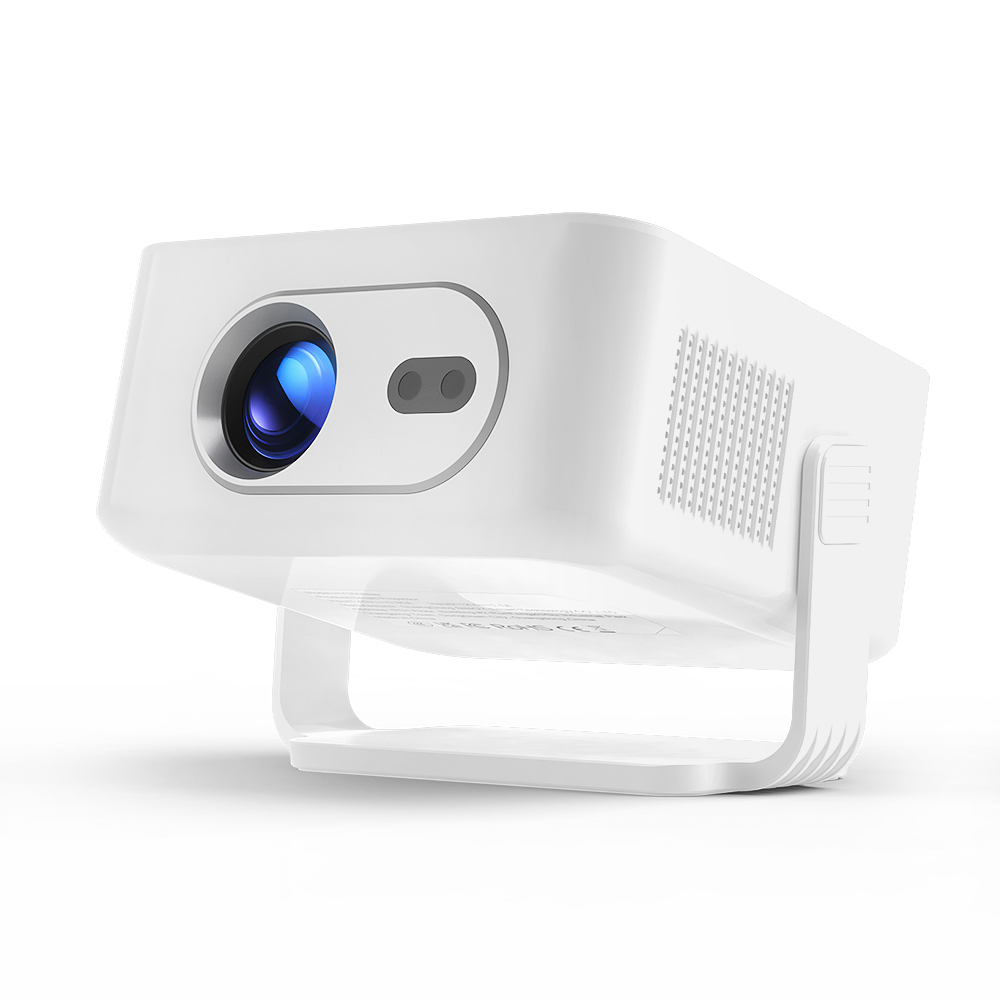
An auto keystone system uses built-in sensors such as gyroscopes to detect the projector’s angle. The system automatically adjusts the image into a rectangle without user input.
Many smart devices integrate this feature, making a keystone projector much easier to use in mobile environments.
4-Corner / Multi-point Correction
This advanced method allows users to adjust each corner of the image independently. It is especially useful when projecting at extreme angles or onto uneven surfaces.
High-end models of keystone projector often include this feature for professional use.
.png)
5. Advantages and Disadvantages
The main advantage of keystone correction is flexibility. A keystone projector can be placed in different positions without requiring perfect alignment.
However, there are also drawbacks. Digital correction can slightly reduce resolution and image clarity because pixels are being stretched or compressed. For best results, physical alignment should always be preferred before applying correction.
6. Keystone vs Lens Shift
A common comparison in projector technology is keystone correction versus lens shift.
Keystone correction is a software-based solution, while lens shift is a hardware-based adjustment that physically moves the lens without altering image pixels.
In most cases, lens shift provides better image quality. However, a keystone projector is more affordable and easier to set up, making it ideal for casual users.
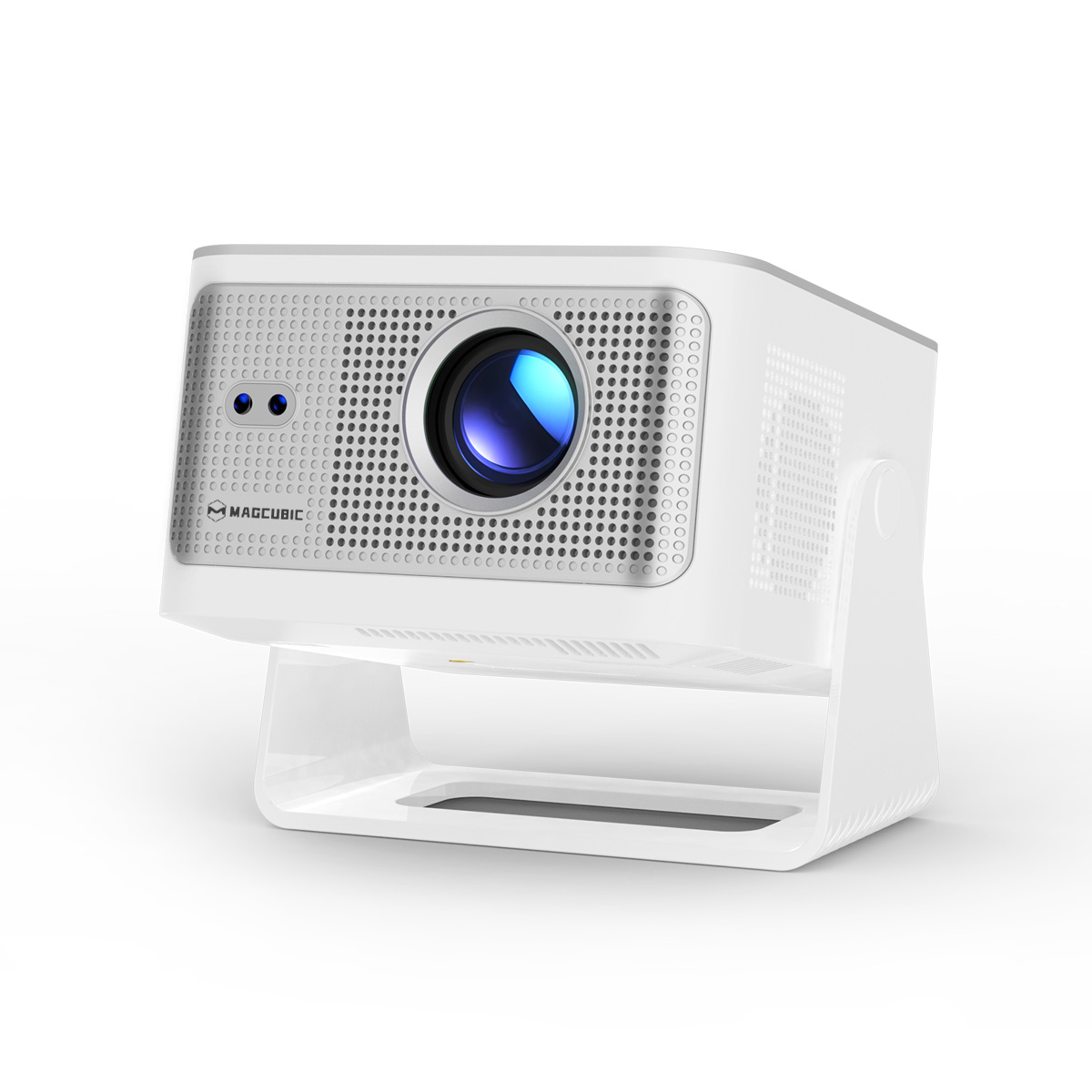
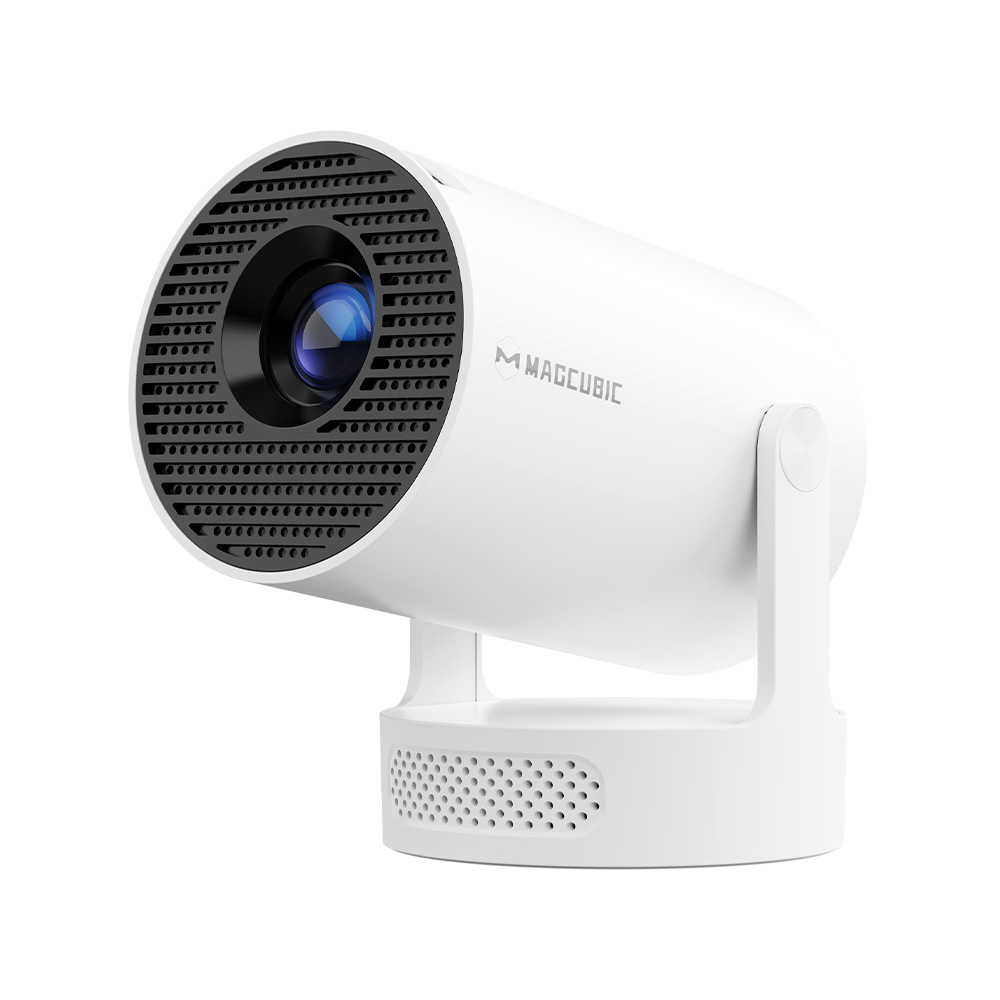
Magcubic models focus on combining smart auto keystone technology with high brightness output, making them more user-friendly for streaming, gaming, and home theater use.
7. How to Adjust Keystone on a Projector
Adjusting keystone settings is usually simple:
- Open the projector settings menu
- Find “Keystone” or “Geometry Correction”
- Adjust vertical or horizontal values
- Enable auto correction if available
A modern keystone projector may complete this process automatically within seconds, significantly improving user convenience.
8. Common Mistakes Users Make
Many users rely too heavily on keystone correction instead of properly positioning the projector. Extreme angles can lead to reduced image quality.
Another common mistake is assuming every keystone projector supports advanced multi-point correction. Entry-level models often only support basic vertical adjustment.
9. Conclusion
Keystone correction is an essential feature in modern projection systems. A keystone projector allows users to enjoy a properly aligned image even when the device is not perfectly centered.
However, for the best visual performance, it is always recommended to minimize distortion through proper placement first, then use keystone adjustment as a secondary solution.
Hanying is a professional projector manufacturer specializing in advanced projection technology. We provide comprehensive B2B solutions including wholesale distribution, OEM services, ODM customization, and technical cooperation, helping partners grow their business in global markets.