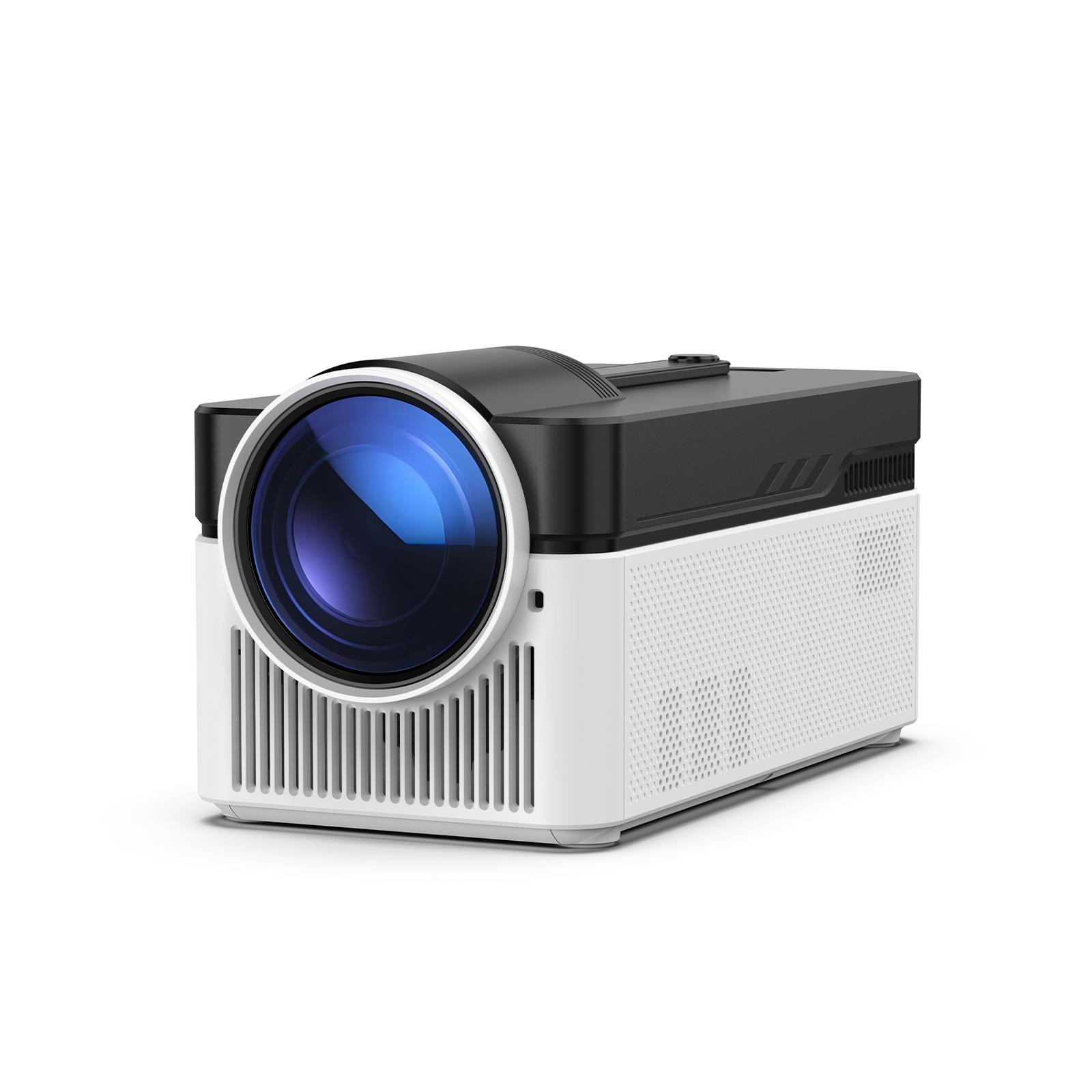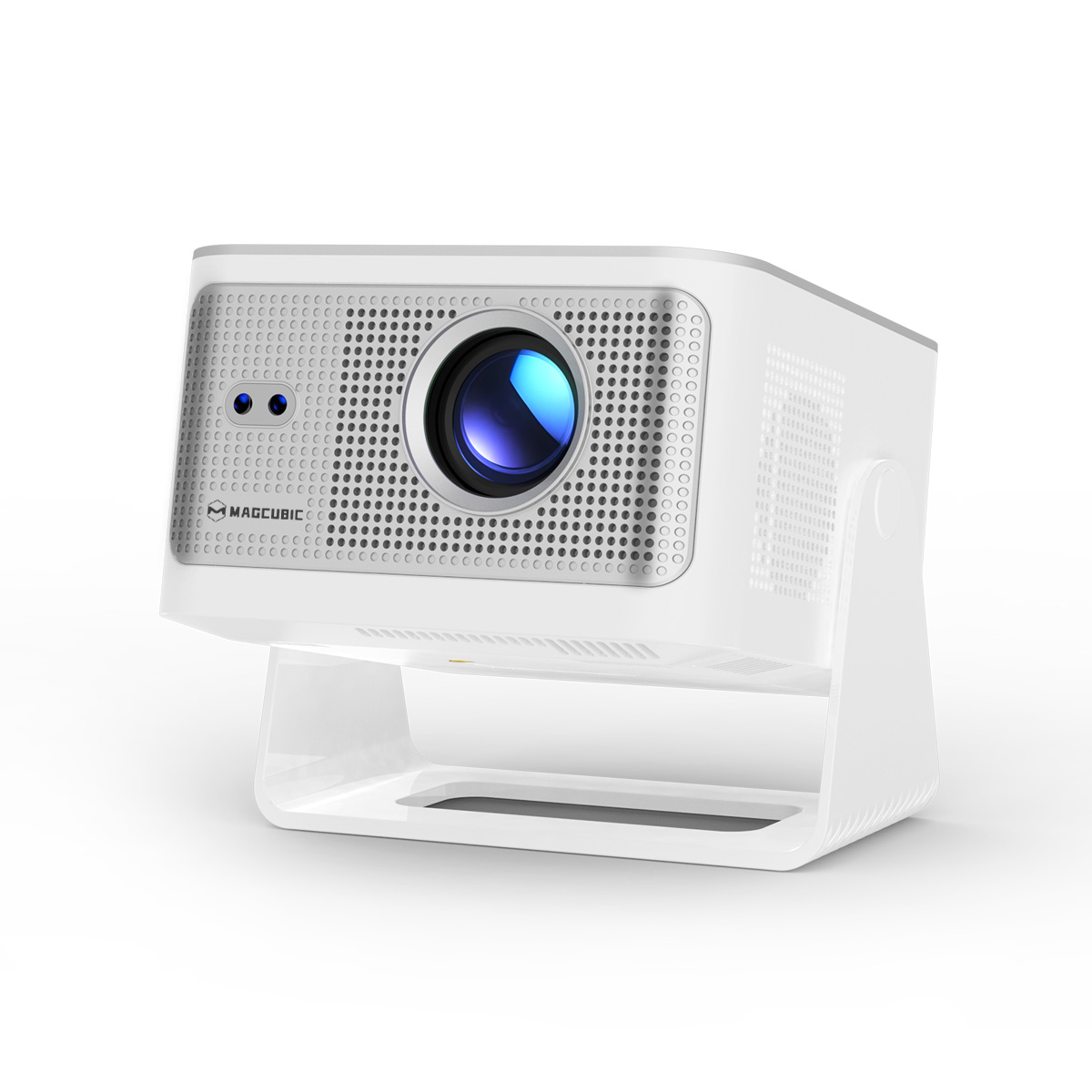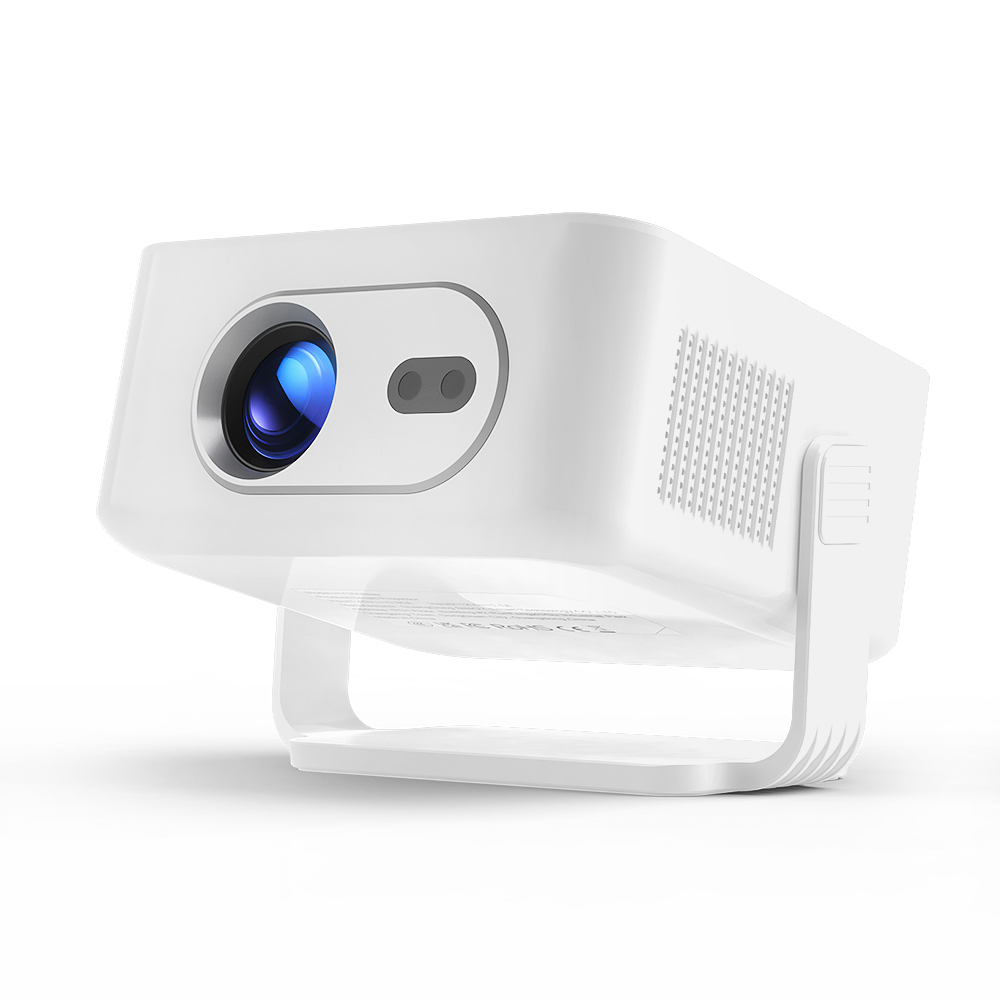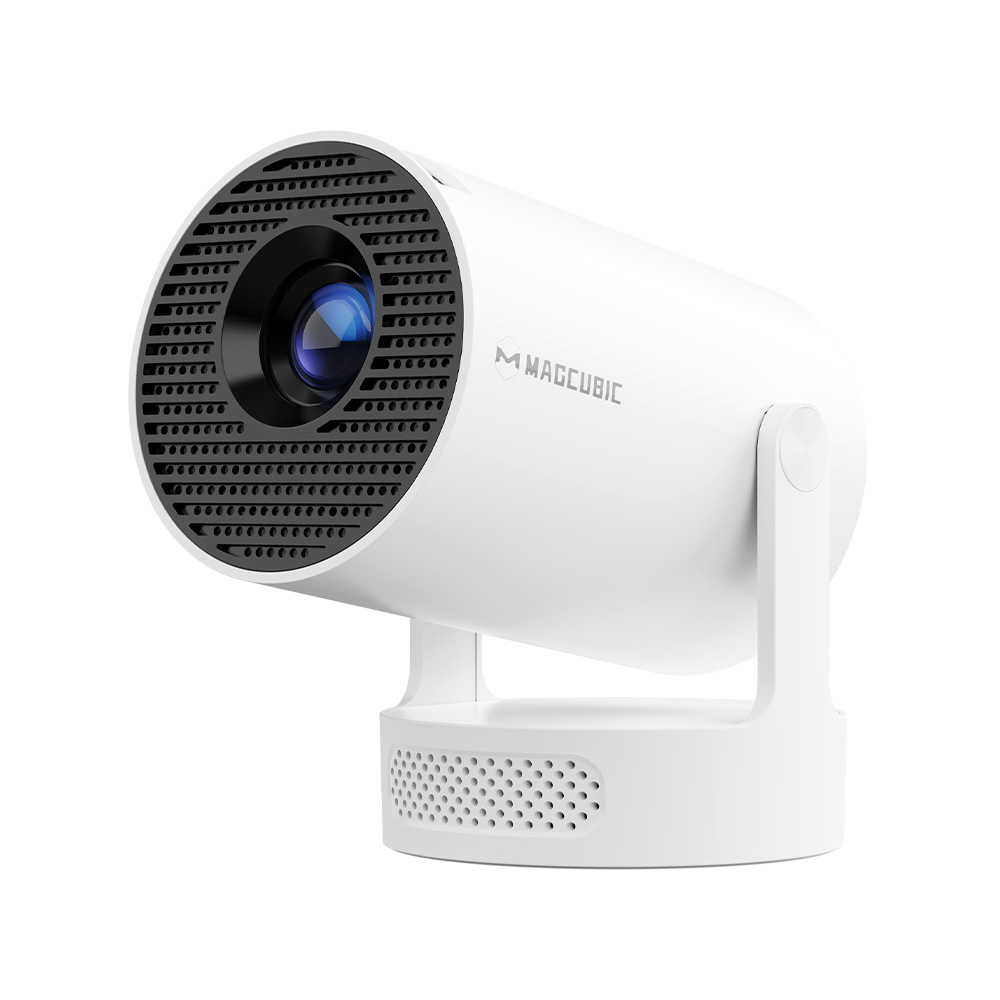
When setting up a projector, the ideal scenario is to position it directly in front of the screen at a perfect right angle. However, in real-life situations—whether in a living room, office, or outdoor setup—this alignment is often difficult to achieve. As a result, the projected image may appear distorted, typically in a trapezoidal shape instead of a perfect rectangle.
This is where keystone correction becomes essential. This feature is designed to fix image distortion and ensure a properly aligned viewing experience, even when the projector is placed at an angle.
In this article, we’ll explore what is keystone on a projector, how it works, its advantages, and disadvantages to enhance your viewing experience.
2. What Is Keystone Correction?
So, what is keystone on a projector exactly? To answer the core question—what is keystone on a projector—we first need to look at the "Keystone Effect." This occurs when the projector is tilted up, down, or sideways, causing the side of the image furthest from the lens to appear wider than the side closest to it.
Keystone correction is a feature built into modern projectors that allows the user to digitally or optically adjust the image output so it appears as a perfect rectangle. Whether handled via a manual slider or through automatic AI-driven sensors, this function is critical for anyone who cannot place their projector in a perfectly centered "sweet spot." Without it, your cinematic experience would be marred by distracting, distorted edges.
There are typically two ways this correction is applied:
- Manual Keystone Correction: Users adjust settings using buttons or menus.
- Automatic Keystone Correction: The projector detects distortion and corrects it automatically.
Without it, even high-resolution projectors can produce visually unappealing results.
3. Pros and Cons of Keystone Correction
Pros
- Flexible Placement: Keystone correction allows you to place your projector off-center without sacrificing image quality.
- Improved Viewing Experience: It ensures a properly shaped image, enhancing visual clarity and comfort.
- User-Friendly: Many modern projectors offer automatic correction, making setup quick and easy.
- Versatility: Ideal for various environments, including small rooms or unconventional spaces.
Cons
- Image Quality Loss: Digital keystone correction can slightly reduce resolution due to pixel scaling.
- Higher Cost: Projectors with advanced keystone features, especially automatic and multi-directional correction, tend to be more expensive.
4. How Keystone Correction Works
To better understand what a keystone on a projector is, it’s important to look at how the technology functions.
Types of Keystone Correction
- Vertical Keystone Correction: Adjusts distortion when the projector is tilted up or down.
- Horizontal Keystone Correction: Fixes distortion when the projector is positioned left or right of the screen.
Some advanced projectors even offer 4-point or 6-point keystone correction, allowing precise corner adjustments.
Methods of Correction
- Optical Keystone Correction: Uses lens adjustments to correct the image without affecting resolution. This method is typically found in high-end projectors.
- Digital Keystone Correction: Adjusts the image via software. While more common and affordable, it may slightly degrade image quality.
By understanding these mechanisms, users gain a deeper insight into what is keystone on a projector and how it enhances projection flexibility.
5. Product Recommendation
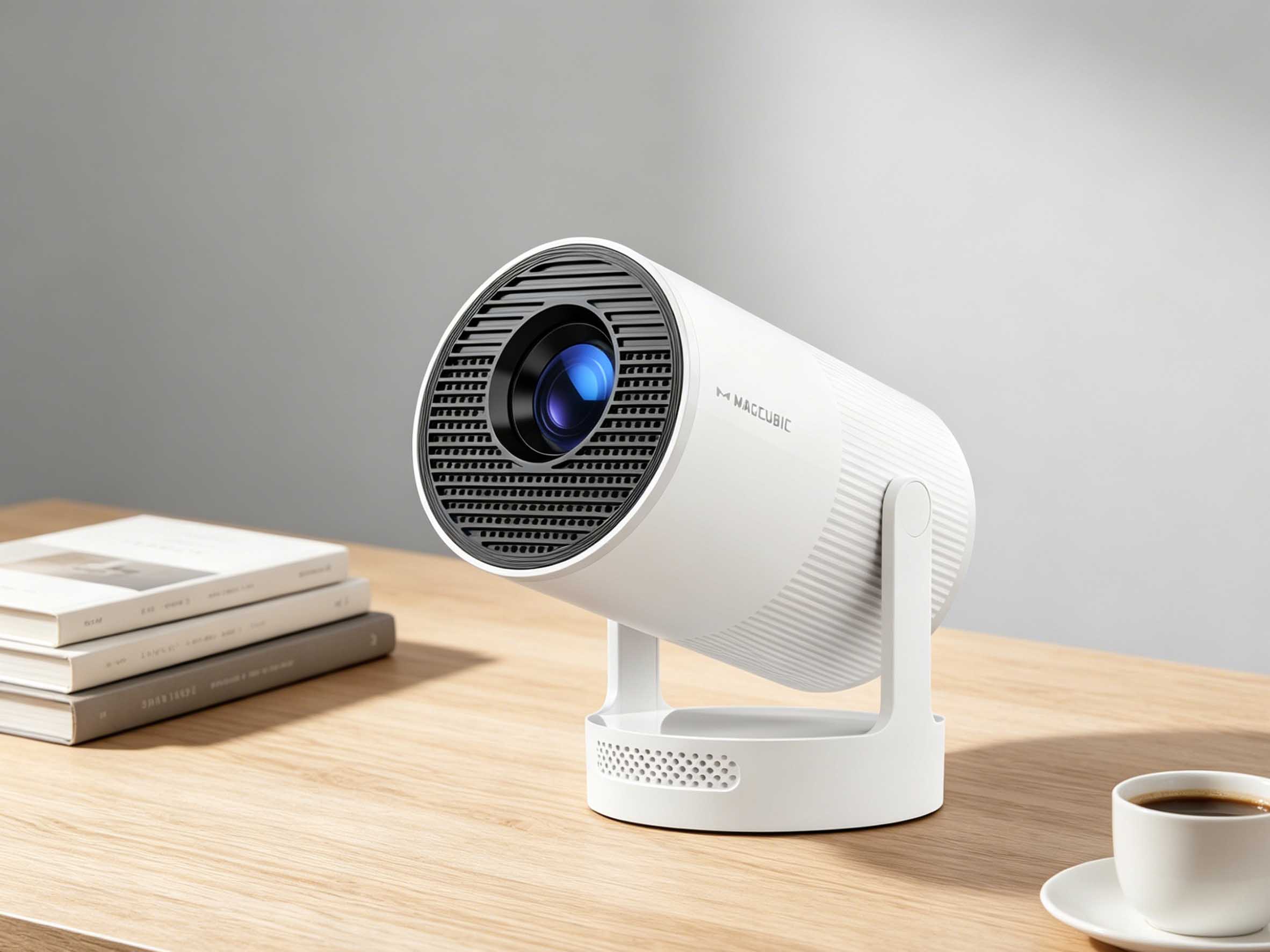
If you’re looking for a projector that truly demonstrates what keystone on a projector in real-world use, the HY300 ULTRA HD Projector is an excellent choice—especially for its advanced automatic keystone correction feature.
The HY300’s automatic correction offers several key advantages:
- Instant Setup: Place the projector at almost any angle, and it will automatically correct the image within seconds.
- Hassle-Free Experience: No need for manual calibration—ideal for beginners or casual users.
- Flexible Placement: Whether it’s on a side table, ceiling mount, or uneven surface, the projector adapts.
- Consistent Image Quality: Maintains a well-shaped image even when frequently repositioned.
This makes the HY300 especially suitable for home entertainment, portable use, and small spaces, where perfect projector alignment is often difficult.
6. Conclusion
In summary, understanding what keystone on a projector is is key to achieving the best possible viewing experience. Keystone correction allows users to overcome placement limitations and still enjoy a perfectly aligned image.
Magcubic is a professional projector manufacturing factory dedicated to producing high-quality projectors at scale. We specialize in creating reliable and innovative projection solutions to help you build your own home theater experience. Our products support ODM and OEM services, allowing businesses to customize solutions tailored to their needs.